Regular or irregular, it fits
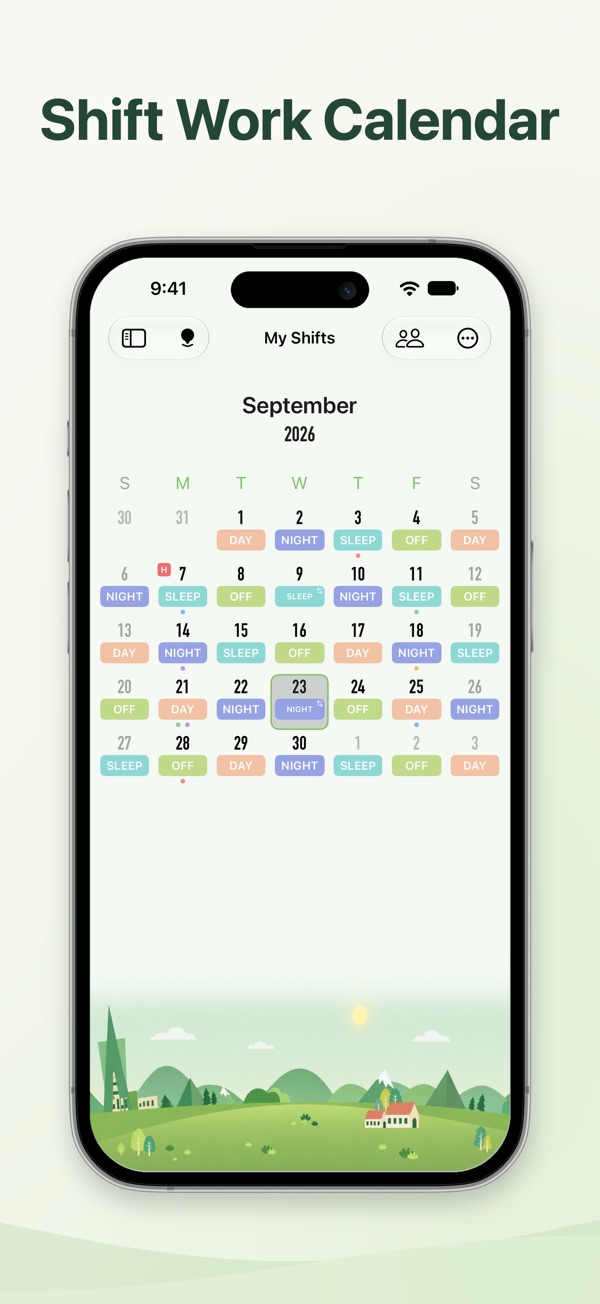
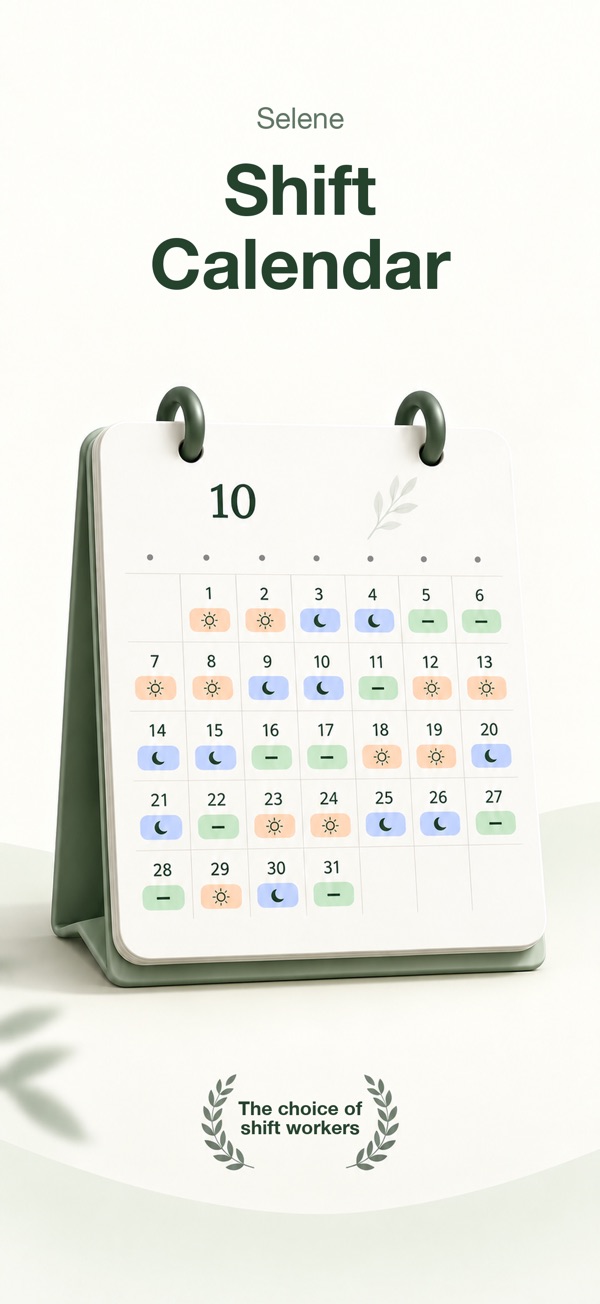
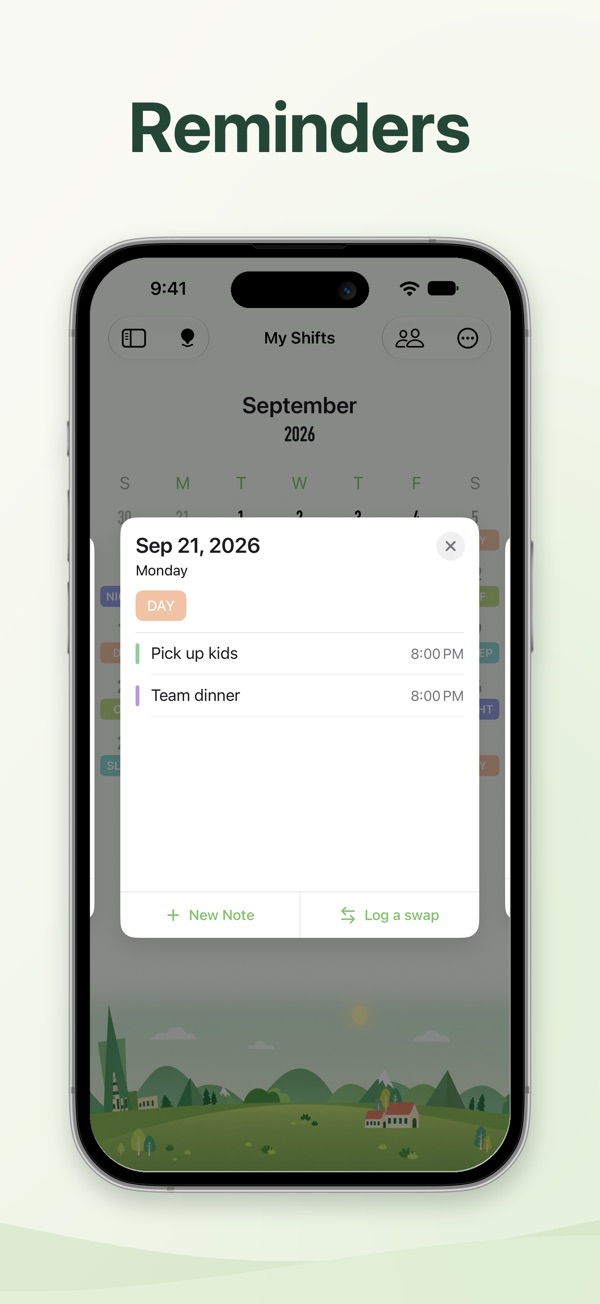
Generate shifts from a rotation or add them manually. Keep notes, shift swaps and event reminders together.
Selene · SHIFT CALENDAR
A shift calendar for rotating and irregular schedules. Plan a repeating pattern, adjust shifts by hand, and keep your workday close with alarms and widgets. Maintained since 2018, shaped by the feedback of the people who use it.
iPhone + iPad · iOS / iPadOS 16+
 Your shifts. Your life.
MADE FOR YOUR EVERYDAY
Generate shifts from a rotation or add them manually. Keep notes, shift swaps and event reminders together.
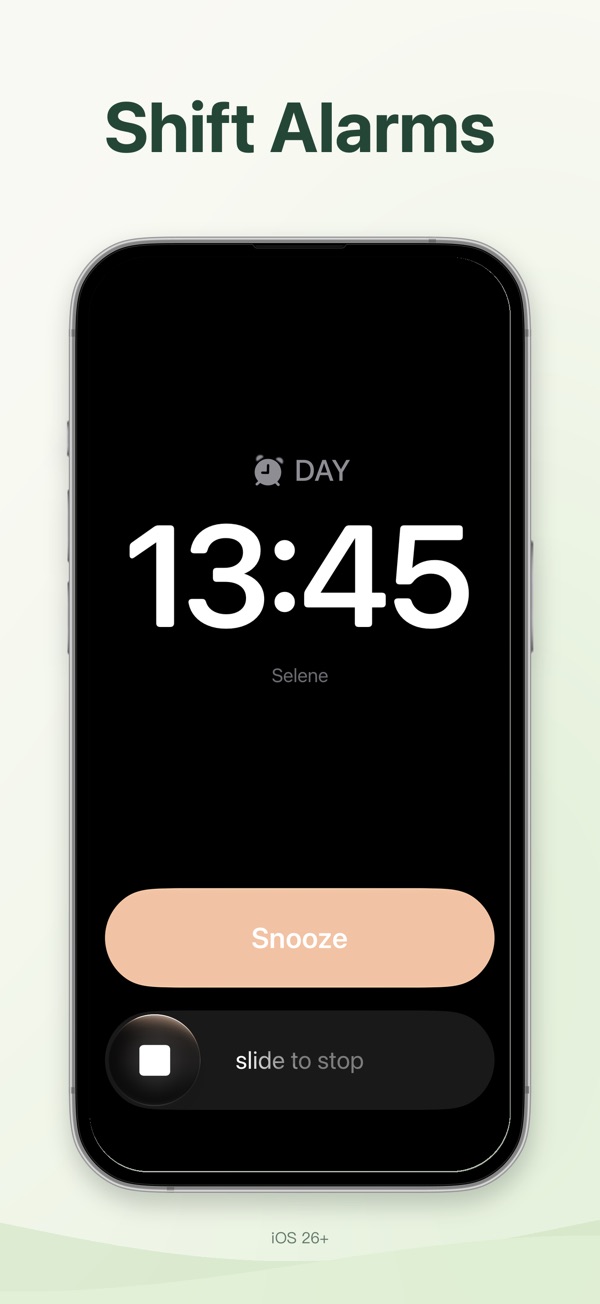
Set an alarm time for each shift type. Alarms follow your schedule automatically. Requires iOS 26 or later.
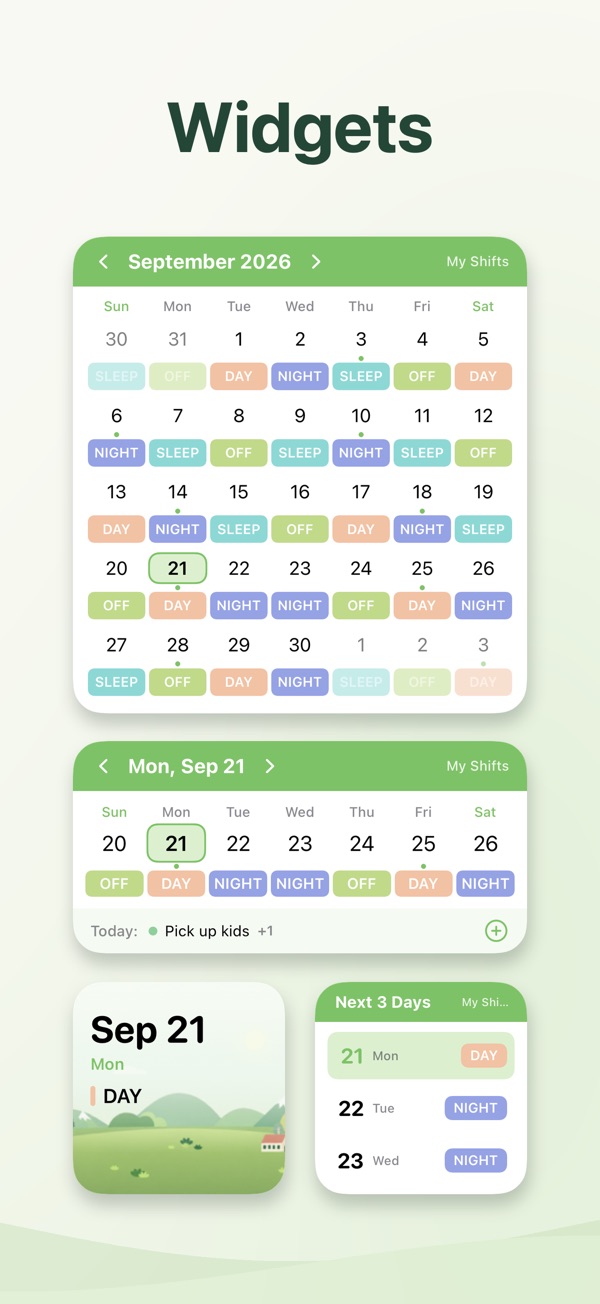
See upcoming shifts and events in Home Screen widgets. Review statistics for a selected date range.
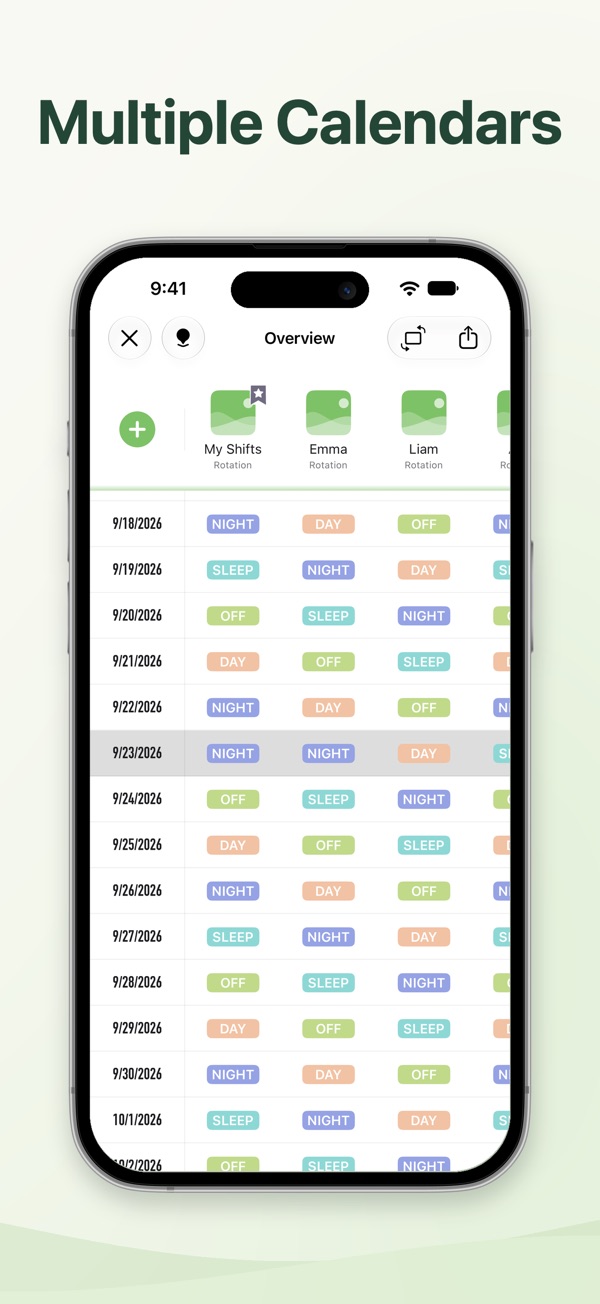
Add multiple calendars to compare shifts. Share your schedule with family, friends or colleagues.
Export calendars as PDFs or images, multi-person schedules as CSV, or add shifts to the system calendar.
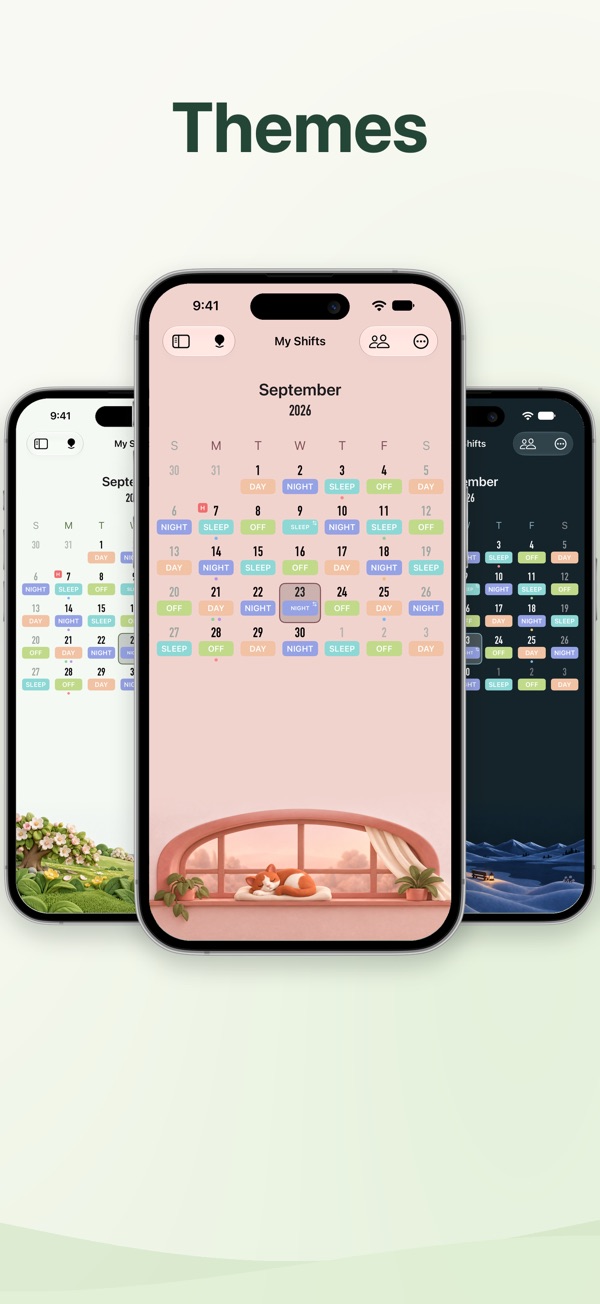
All 30 themes include light and dark mode. Sync and back up your schedule across devices with iCloud.
App Store screenshots · Version 2.0.2 · Swipe to explore
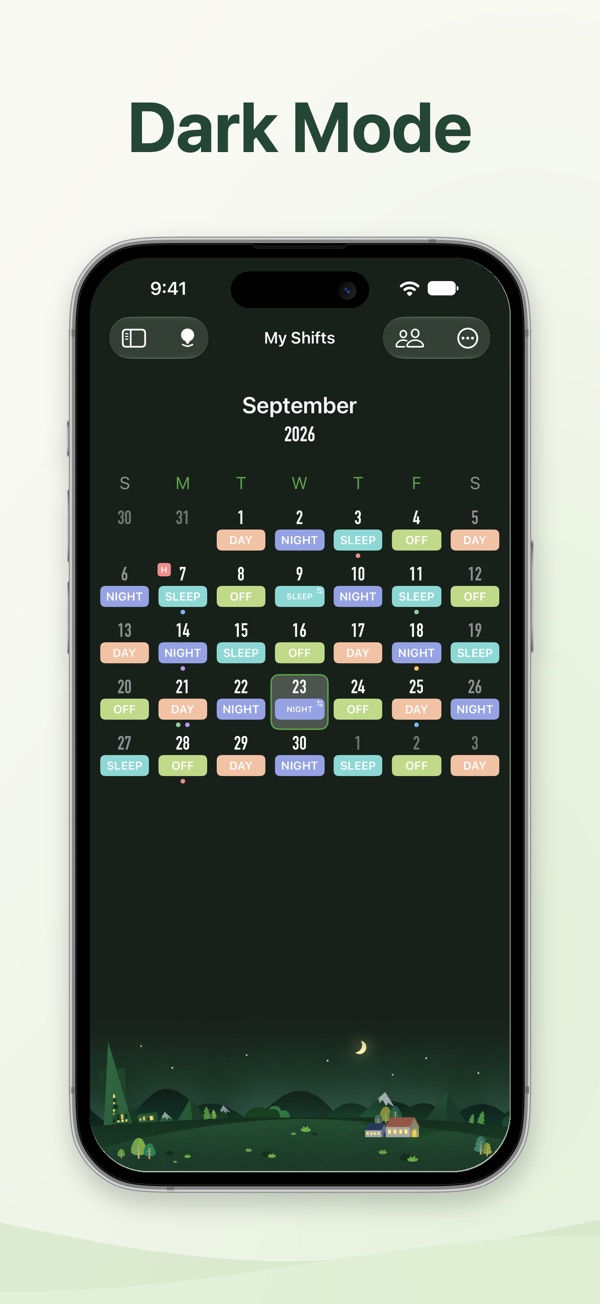
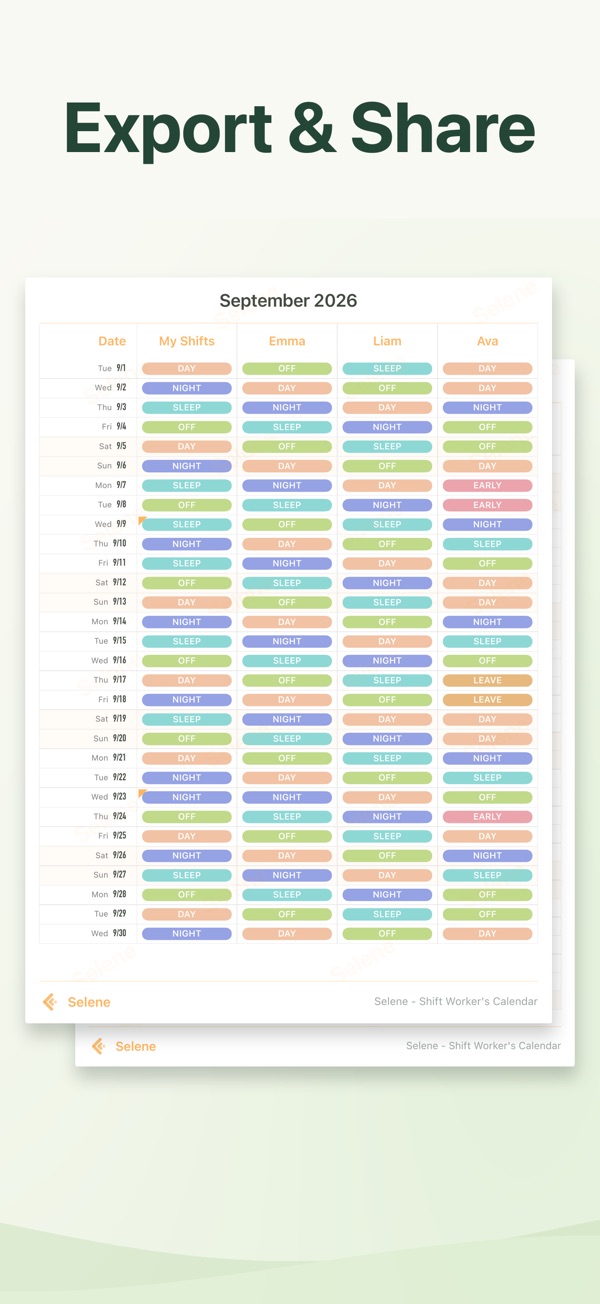
Selene supports iPhone and iPad with iOS / iPadOS 16 or later. Shift alarms require iOS 26 or later. Check your device version before using alarms.
Read the privacy policyNo sign-up, ads or in-app purchases. All 30 themes are included. Check your local App Store for the download price.
Yes. You can add and adjust shifts manually, as well as generate schedules from a rotation.
No. Selene is designed for one shift per person per day. It is not the right fit if the same person regularly needs several separate shifts on one date.
Set an alarm time for each shift type. Alarms are then scheduled around your shifts automatically. Requires iOS 26 or later.
No. The Apple Watch app is included with your iPhone purchase. Open the Watch app on your iPhone, find Selene under Available Apps and tap Install. Your watch needs watchOS 10 or later and must be paired with an iPhone that has Selene installed. If the App Store on your watch shows a price, make sure you are signed in with the Apple Account you used to buy Selene. If a family member bought it, turn on Purchase Sharing in Family Sharing.
Selene syncs and backs up your schedules across devices with iCloud. You can also export all your data in the app and import it on the new device.
See the App Store privacy disclosure and product privacy policy. Your schedules stay on your device and in your own iCloud. We only receive data when you send in-app feedback: what you write, plus diagnostics such as the app version and device model.
Open Settings > Contact Developer in the app, or email dev.sunapp24@gmail.com.